> ## Documentation Index
> Fetch the complete documentation index at: https://docs.tryholmes.com/llms.txt
> Use this file to discover all available pages before exploring further.
# Create a listing
> Advertise vacancies and promote your listings on Holmes
## For agents
1. Log in and head to **Listings** dashboard
2. Hit **Create listing**
 3. Fill in the listing information
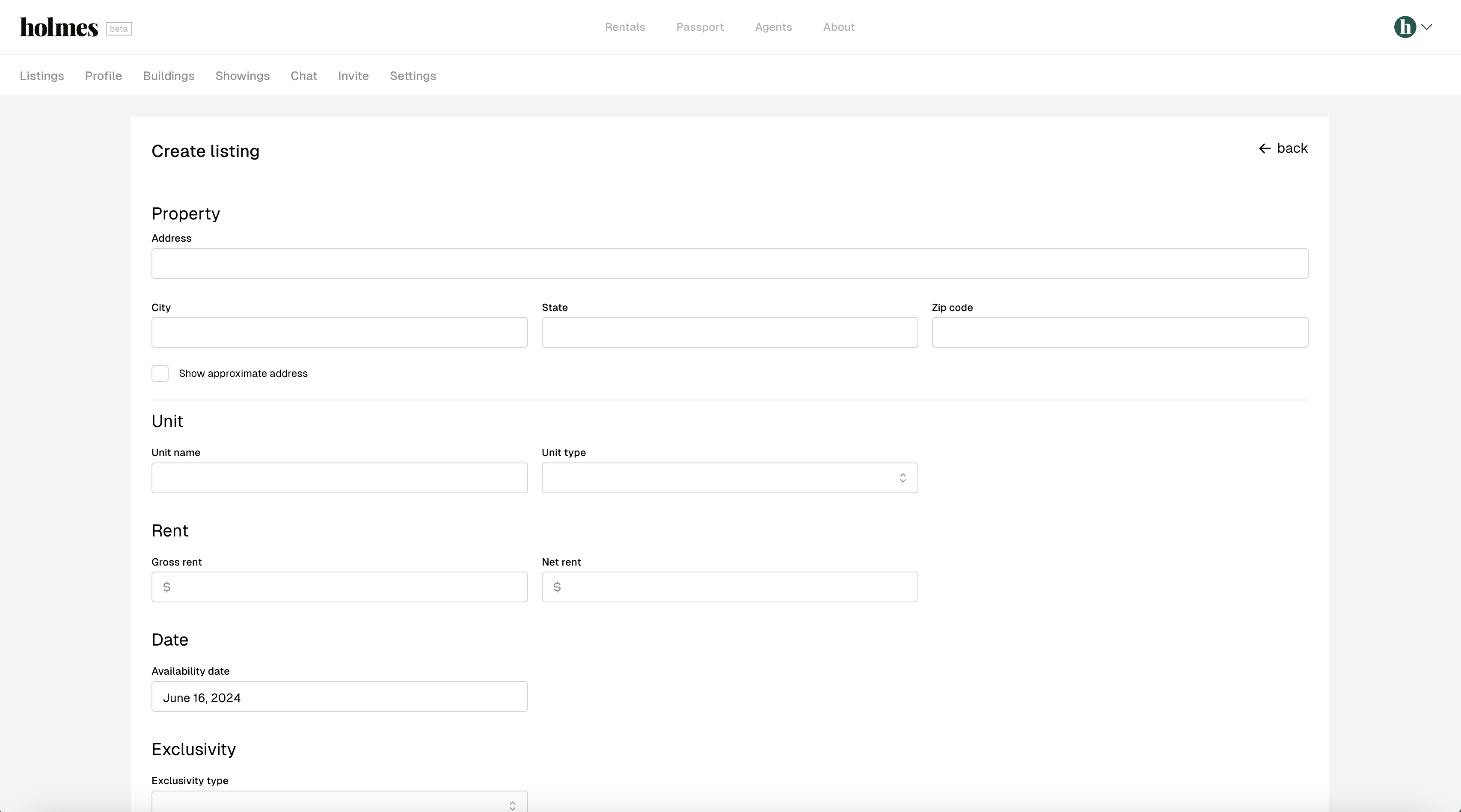 * The following fields are required:
* Address
* Street address
* City
* State
* Zip code
* Unit
* Name
* Type
* Rent
* Gross rent
* Net rent
* Date
* Availability date
* Exclusivity
* Exclusivity type
* Exclusivity document (if exclusive or co-exclusive)
* Exclusivity start (if exclusive or co-exclusive)
* Exclusivity end (if exclusive or co-exclusive)
* Commission
* Fee type
* Fee amount
* Layout
* Beds
* Baths
* Half baths
* Closets
* Total rooms
* Photos
* At least one photo is required
* Description
4. Hit **Save**
* The following fields are required:
* Address
* Street address
* City
* State
* Zip code
* Unit
* Name
* Type
* Rent
* Gross rent
* Net rent
* Date
* Availability date
* Exclusivity
* Exclusivity type
* Exclusivity document (if exclusive or co-exclusive)
* Exclusivity start (if exclusive or co-exclusive)
* Exclusivity end (if exclusive or co-exclusive)
* Commission
* Fee type
* Fee amount
* Layout
* Beds
* Baths
* Half baths
* Closets
* Total rooms
* Photos
* At least one photo is required
* Description
4. Hit **Save**