> ## Documentation Index
> Fetch the complete documentation index at: https://docs.tryholmes.com/llms.txt
> Use this file to discover all available pages before exploring further.
# Disable a listing
> Remove listings from the Holmes marketplace
## For agents
1. Log in and head to **Listings** dashboard
2. Select a listing
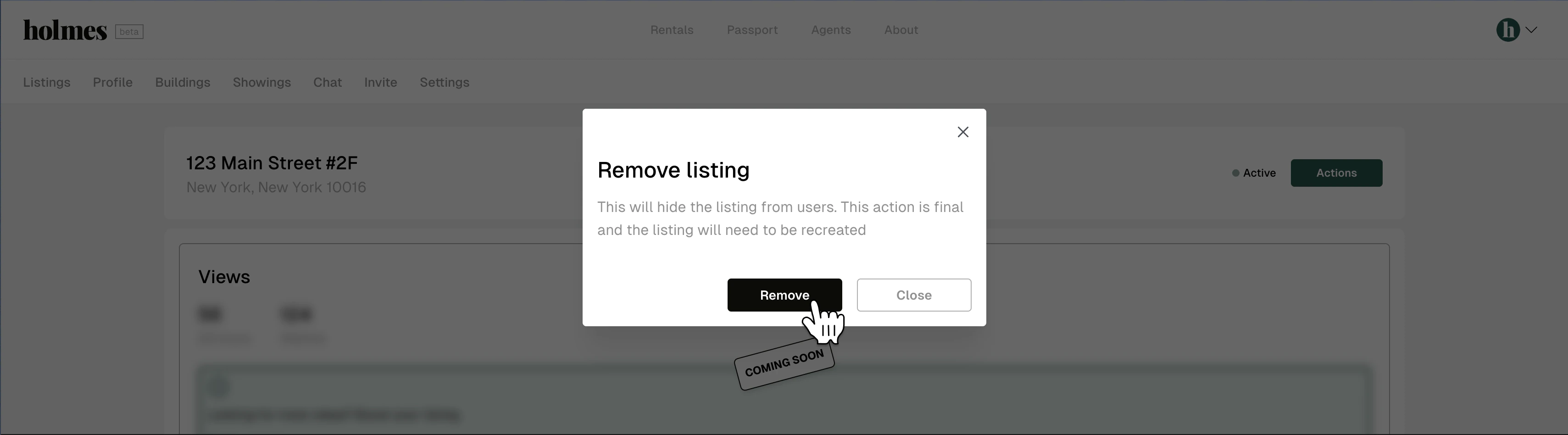
3. Hit **Remove listing**
 4. Hit **Remove**. This action is final and the listing will need to be recreated